
Accessing Membership Terms on the Patient App
The Patient App offers an organized view of all membership details, including billing information, coverage policies, and any agreements signed and linked to a membership plan. Agreements can be viewed or downloaded directly from the membership screen, ensuring important documents are easy to access.
How to access membership terms
Open the Profile section
From the bottom navigation bar, tap Profile to open personal settings.

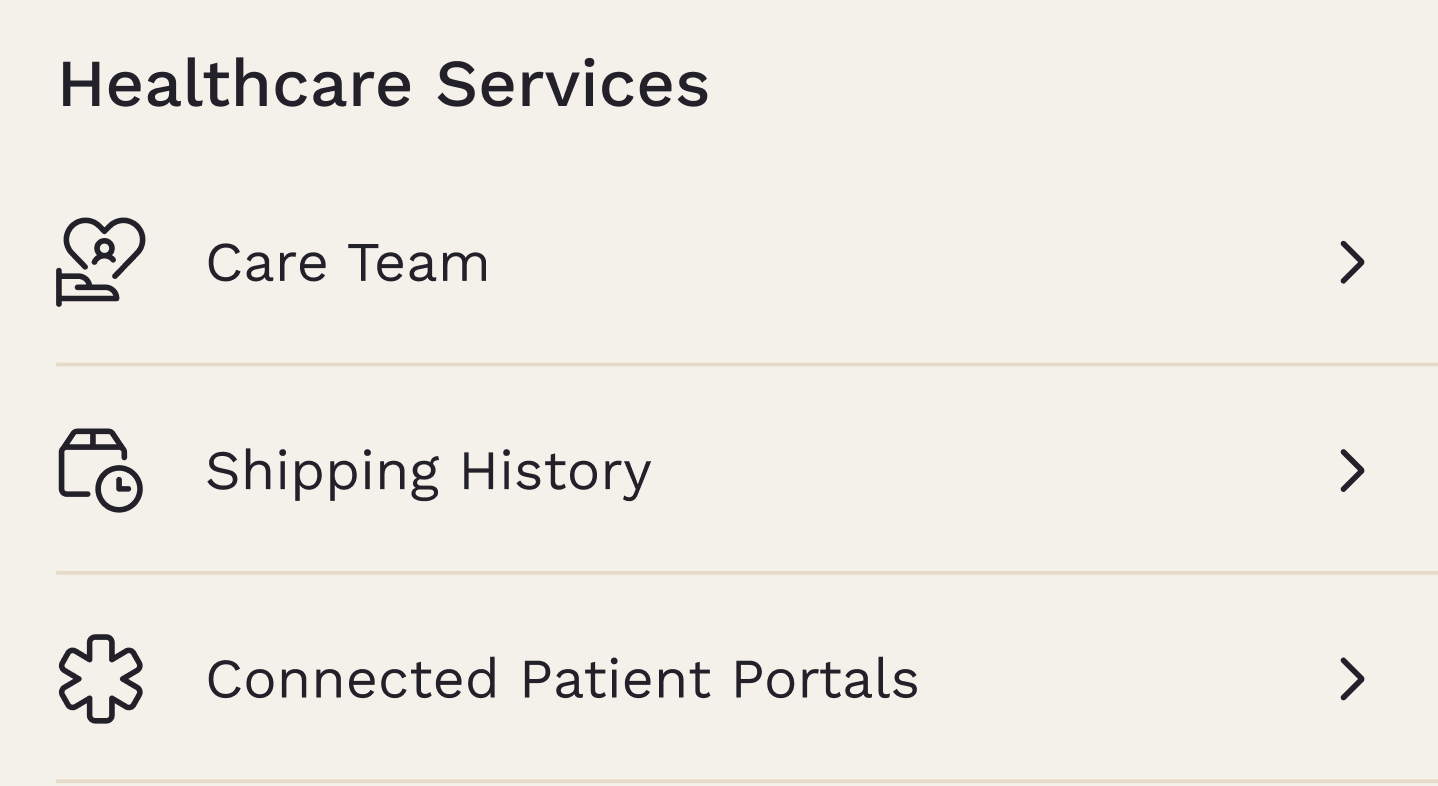
Open Care Team
Under Healthcare Services, select Care Team, then tap Membership to see the memberships associated with the patient.
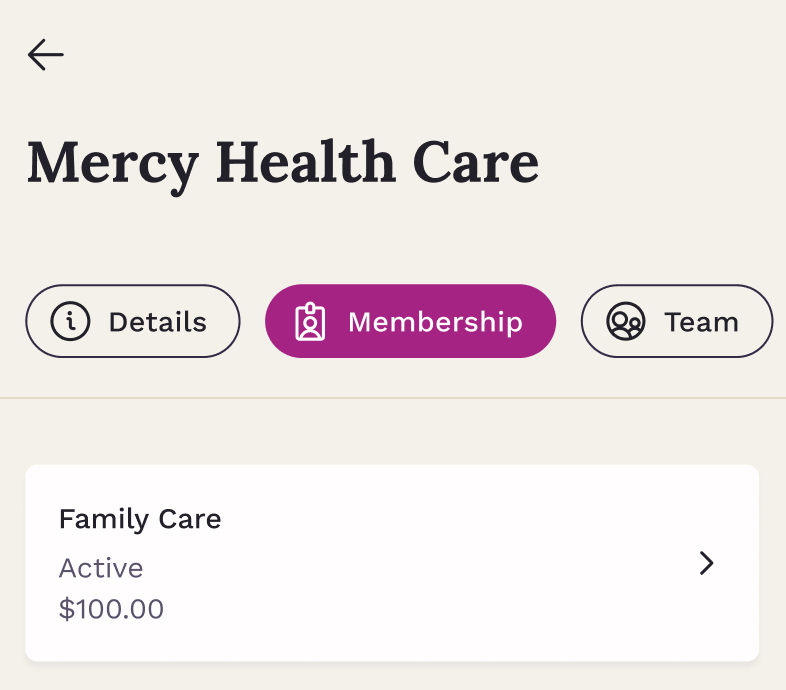
Select a membership
Choose the membership tab to open the detailed view.
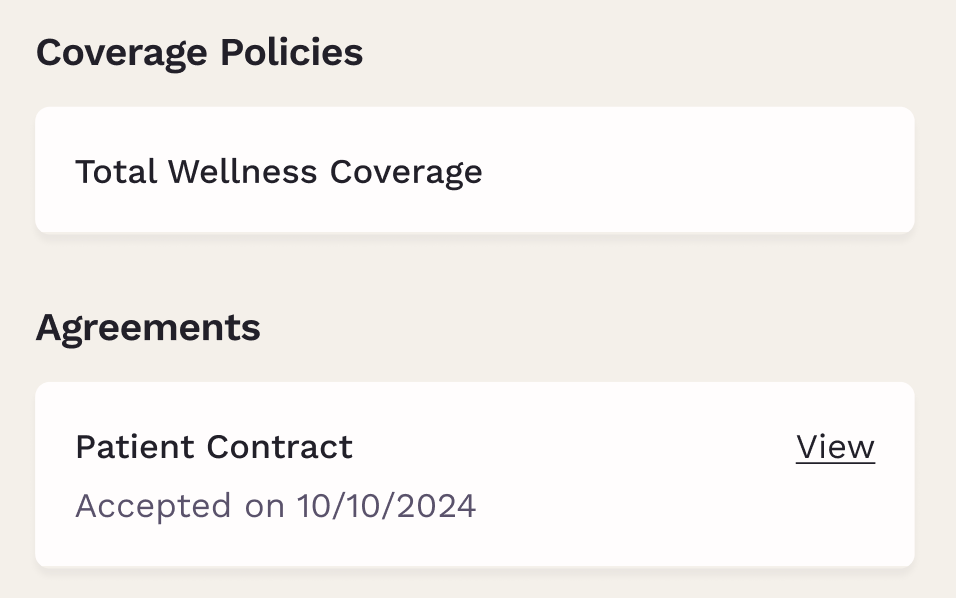
View or download agreements
At the bottom of the membership details, the Agreements section lists all related documents. Each file can be opened or downloaded for personal records.
This gives patients a simple way to keep track of their membership information whenever they need it.