Navigating the Care Screen
The "Care" screen in SigmaMD is designed to provide you with a comprehensive overview of your visits, both past and active. Let's delve into its features and functionalities.
Accessing the Care Screen
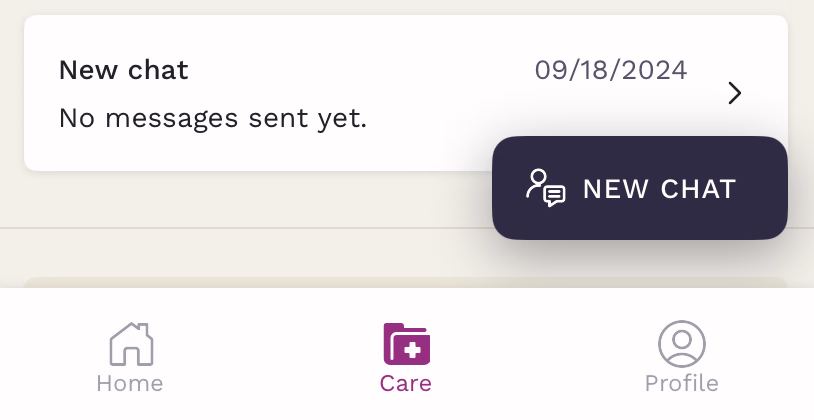
You can easily access the Care screen from the bottom navigation bar. Once tapped, you'll be directed to an interface showcasing your chats.

Navigating Through Sections
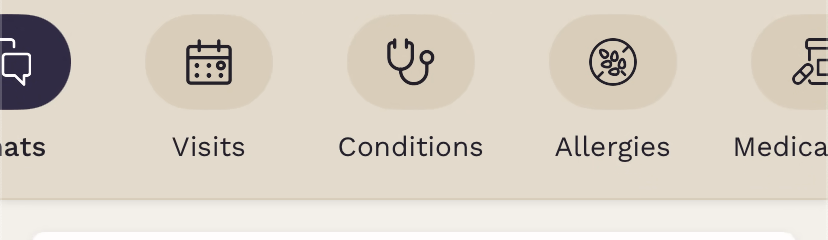
At the top of your Care screen, you'll find a list of all 15 sections from your chart. You may see four or five at a time, but swiping left will reveal the other sections.
Understanding Chats
Active Chats
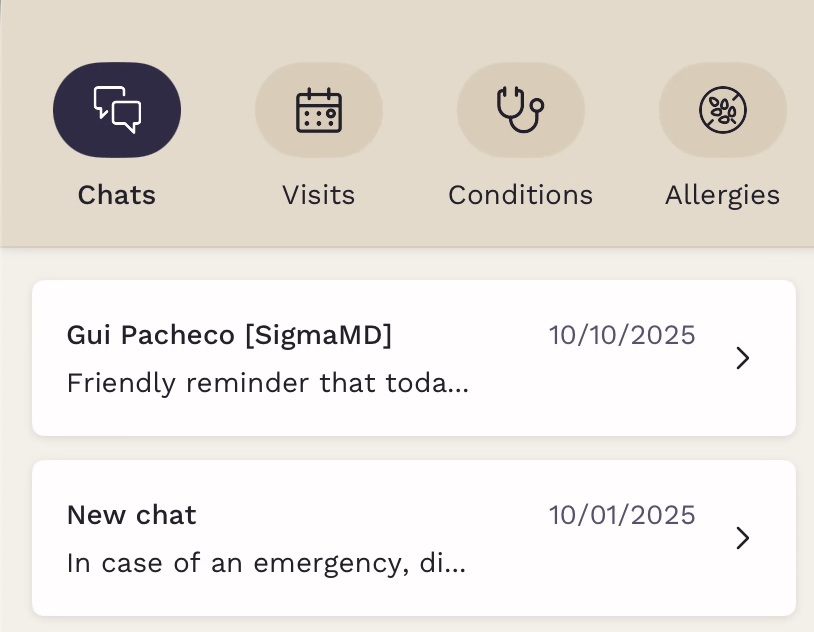
These are your ongoing conversations. Chats with unread messages will show on your home screen, but once the message is read, you can find all ongoing chats inside the Care tab.
Resolved Chats
As the name suggests, this section catalogs all the chats that your care team has concluded.
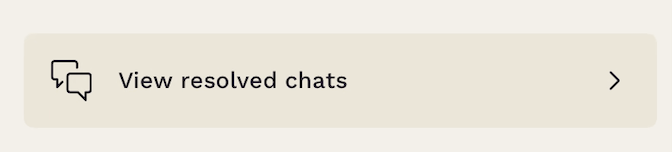
At the bottom of your chats list, inside Care, find the "View resolved chats" button and tap on it to open the list of past conversations.
Initiating a New Chat
Want to start a fresh chat? Just tap on the "New Chat" floating button, located at the bottom right of the screen. Follow the on-screen instructions, and you'll be set up in no time.